RESTAURANT OS
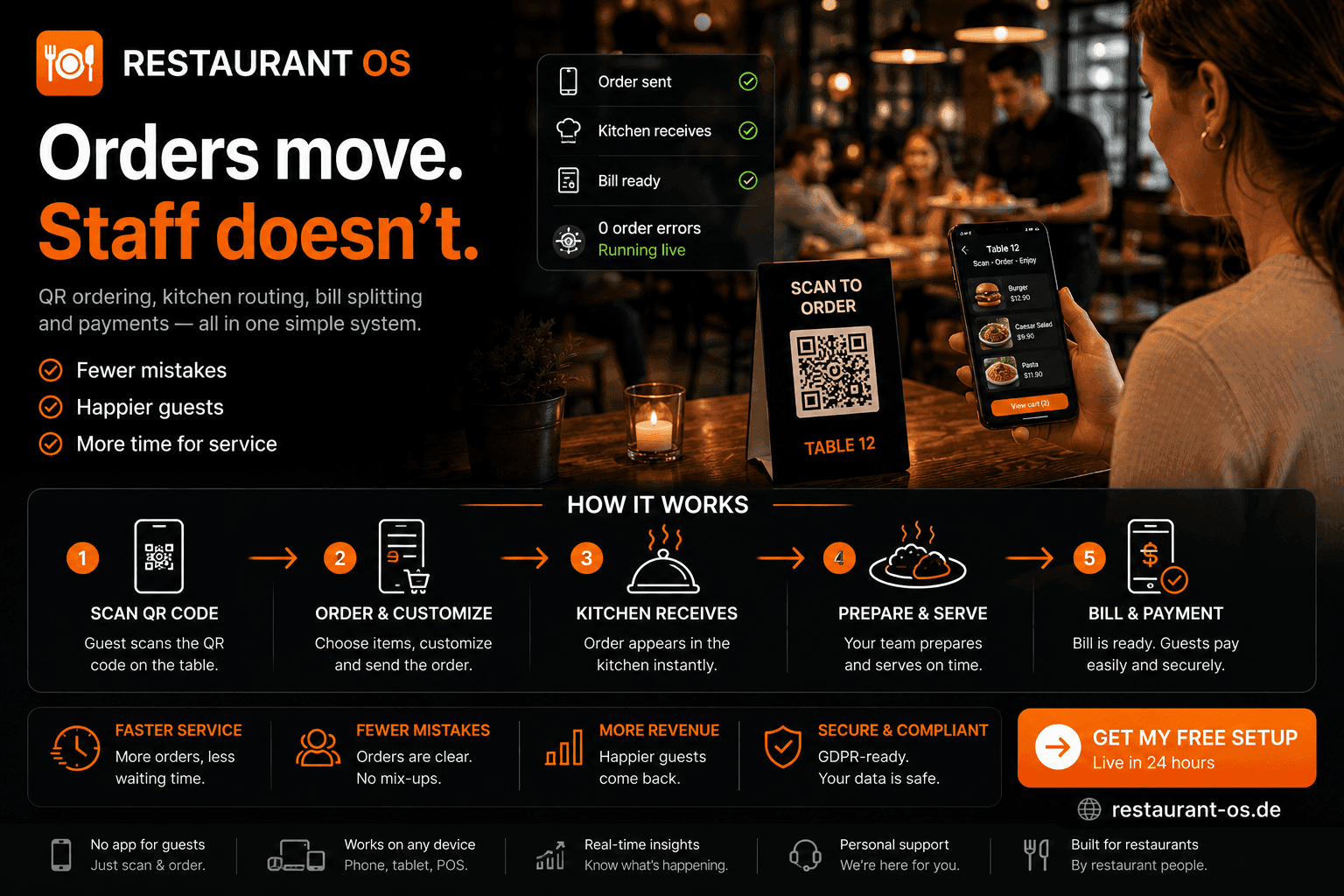
Orders move.Staff doesn't.
We automate your orders. You focus on service.
For: Built for restaurants and hospitality businesses in Germany that want to simplify their ordering workflow.
Runs under your own name — guests see your brand, not ours.
Who it’s for
Built for restaurants and hospitality businesses in Germany that want to simplify their ordering workflow.
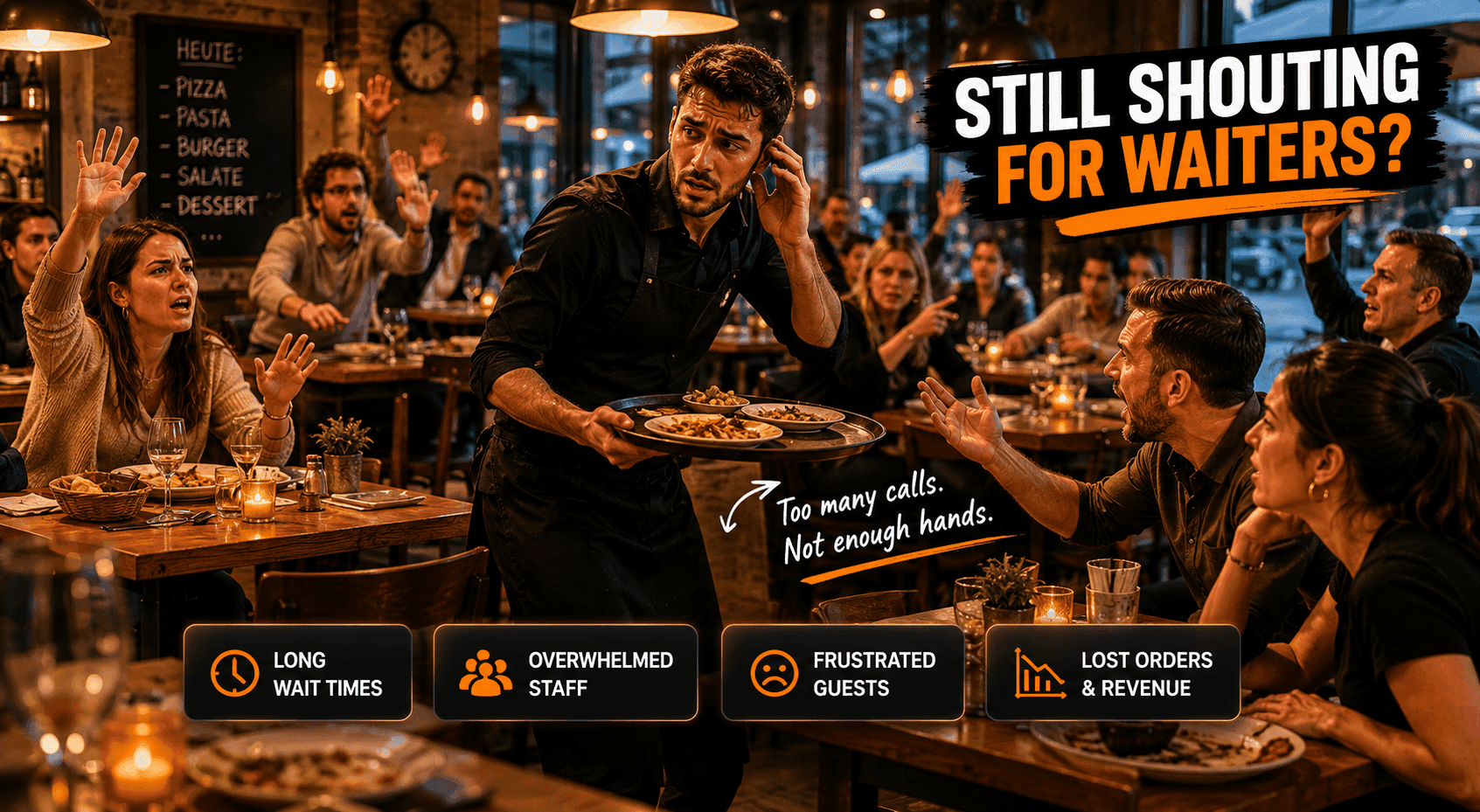
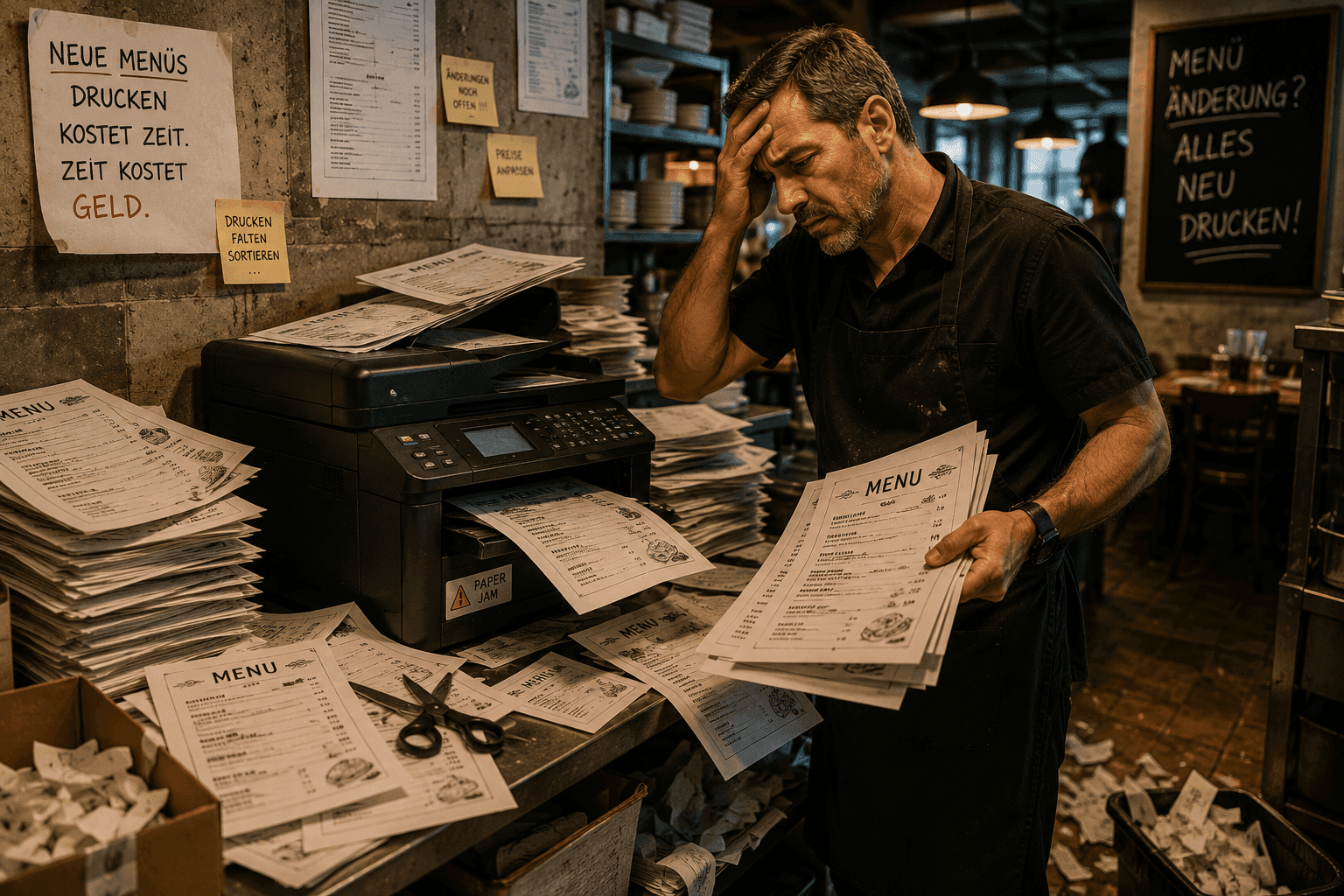
Shouting for waiters, printing menus, typing orders in by hand: restaurants lose time and patience on things that should be simple.
5 steps from order to payment
No app download for guests
3 ways to pay — solo, split, per seat
Where things stand today
Shouting for waiters, printing menus, typing orders in by hand: restaurants lose time and patience on things that should be simple.
QR ordering, kitchen routing, bill splitting and payments — all in one simple system. No app for guests. No tablet for staff.

How it works
Five steps. Then it runs.
Why it works
Three benefits. From day one.
Time
Digital ordering directly from the table
Quality
Clear routing to the kitchen
Revenue
Flexible payment at the end of the visit
Product visual
RESTAURANT OS — marketing visual, not a software screenshot.
Before vs. after
Use cases
For every part of your business.
Customer
Scan. Order. Pay.
No app. No staff tablet. Guest opens the menu on their phone and orders directly from the table.
Kitchen
Orders appear instantly.
No relay, no shouting. Order appears immediately on the kitchen screen — with table and position.
Admin
Full overview. Zero paperwork.
Tables, orders, opening hours, and menus — all managed in one screen.
Security & trust
Built for your business.
How it starts
Three steps to live.
Request a demo
We show you the system live, tailored to your business.
Get a custom offer
You receive a clear quote for installation and setup.
Go live on your domain
We install it, handle hosting and support — you focus on the work.
Common questions